
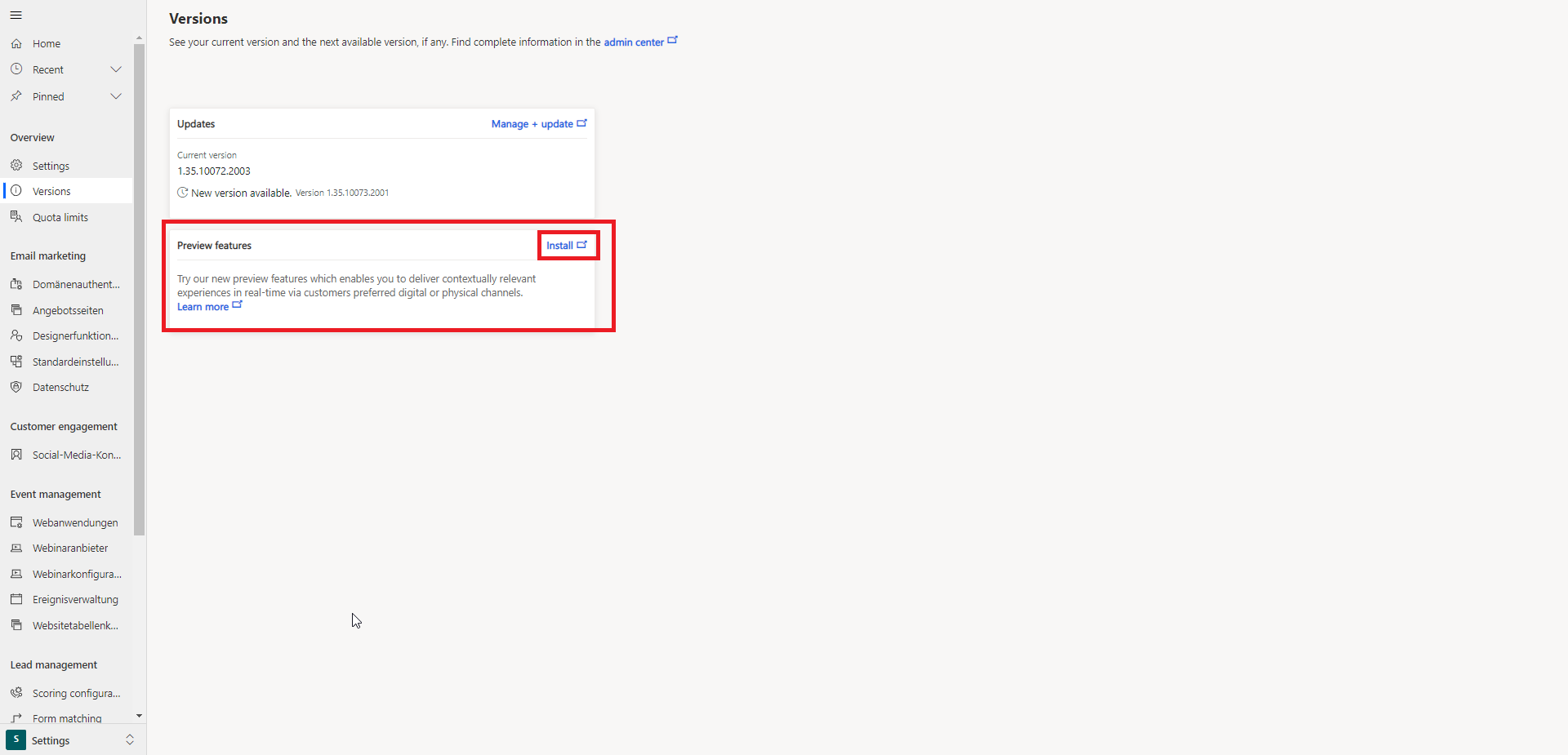
The first step to a realtime customer journey is to create a new journey.
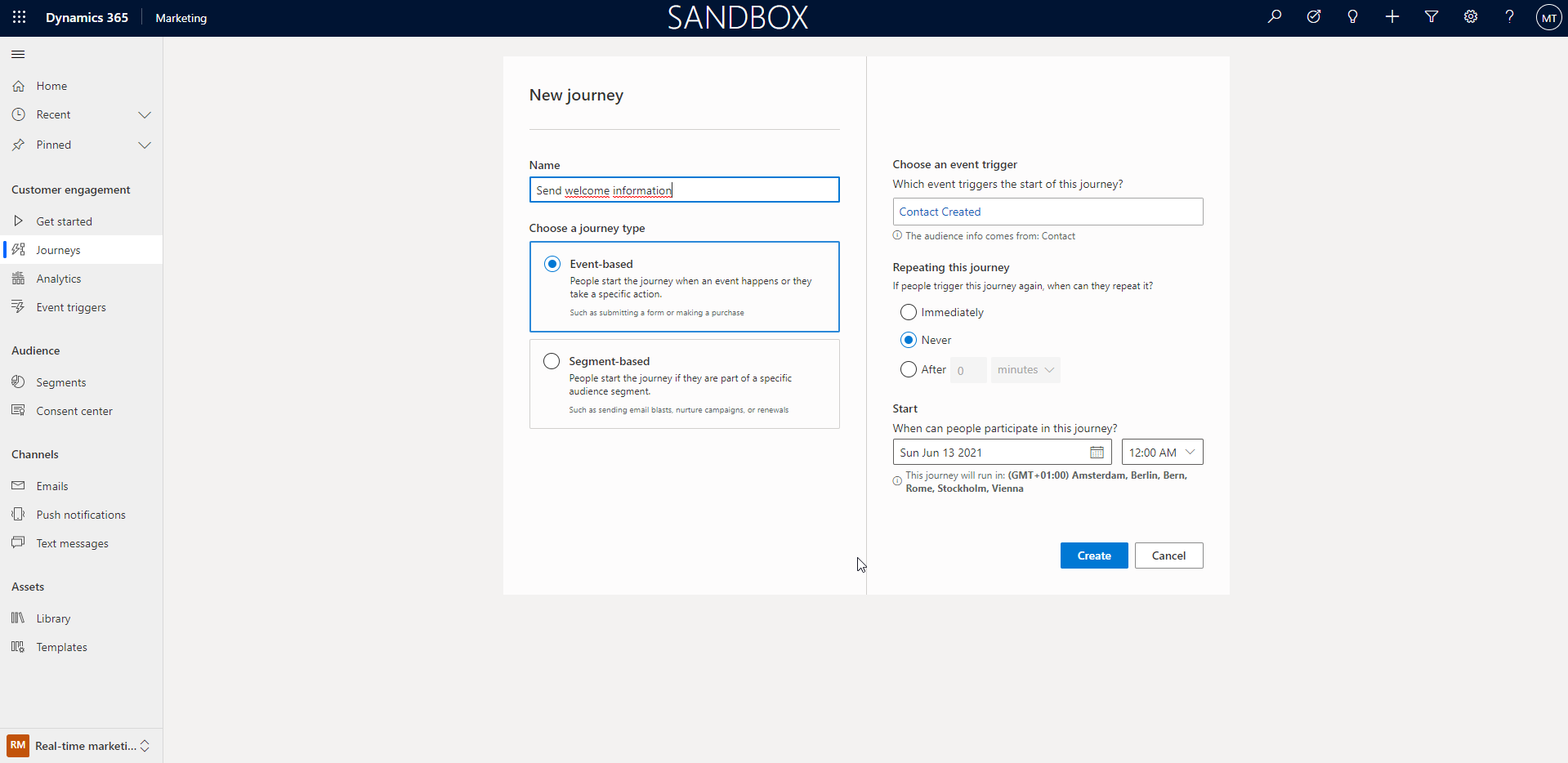
When creating a new journey, you can choose whether it should be a segment or a realtime customer journey.
We now select the realtime journey and use it to welcome new contacts.
Accordingly, we select ‘Contact Created’ as the event trigger.
We now have several options to customize our journey and adapt it to our exact business case.
The current options are:
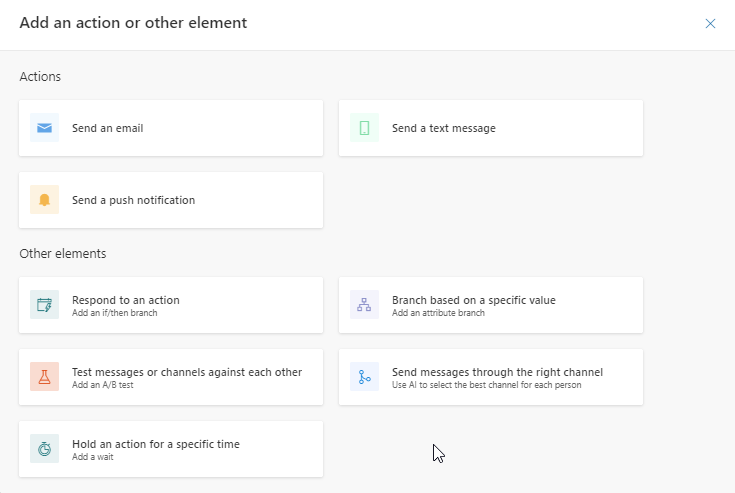
As of today (13.06.2021) the sending of test messages does not work yet.
The design is very intuitive and is not a challenge.
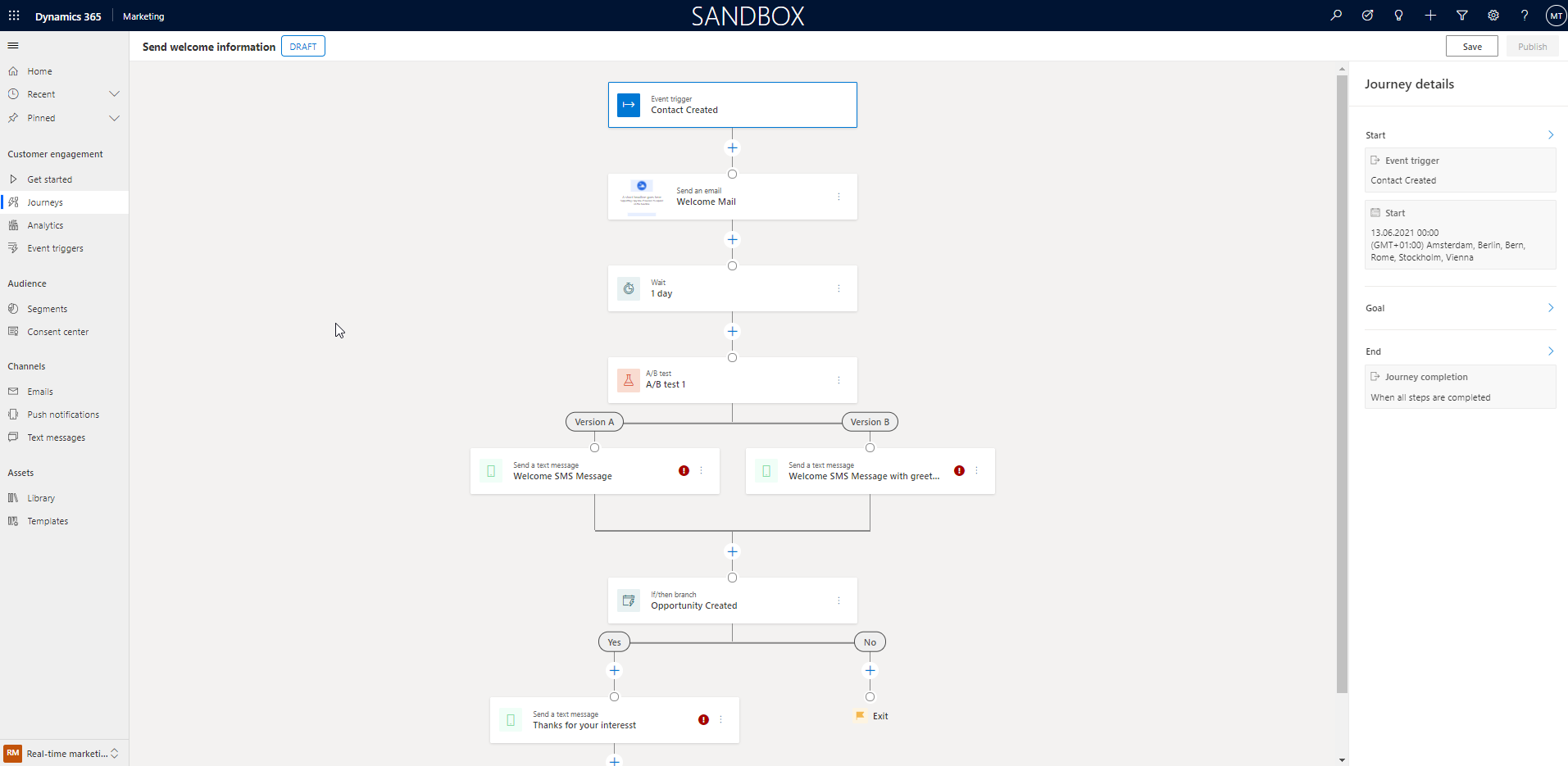
The individual steps can be added and configured with just a few clicks. For example, it is possible to integrate an AB test directly into this process and also to access the results of this test later.
It is also possible to include other event triggers such as the creation of an oportunity. As soon as this happens you can jump to other paths.
As an example you can see my created process here:
Of course, there are also many ways to analyze the journeys. You can see this analysis for all journeys or broken down to the individual journeys.
The complete overview is realized via Microsoft PowerBI.
This is an interesting feature. Is it possible to communicate real-time offers when a person is at a certain geo-position?
For example, the location of a festival visitor was determined because he dialled into the existing WLAN network. The visitor is standing at entrance 1 and now has to wait 45 minutes. Can this visitor receive an SMS informing him that the waiting time at entrance 5 is 5 minutes?